A team-friendly approach to linking devices, naming connections and reviewing access when people or phones change.
Name connections for their role
Use a name that explains which business number or workflow the connection serves. Avoid relying on someone to remember an anonymous device label. Keep an internal record of the owner and the purpose of each connected account.
Link the intended account
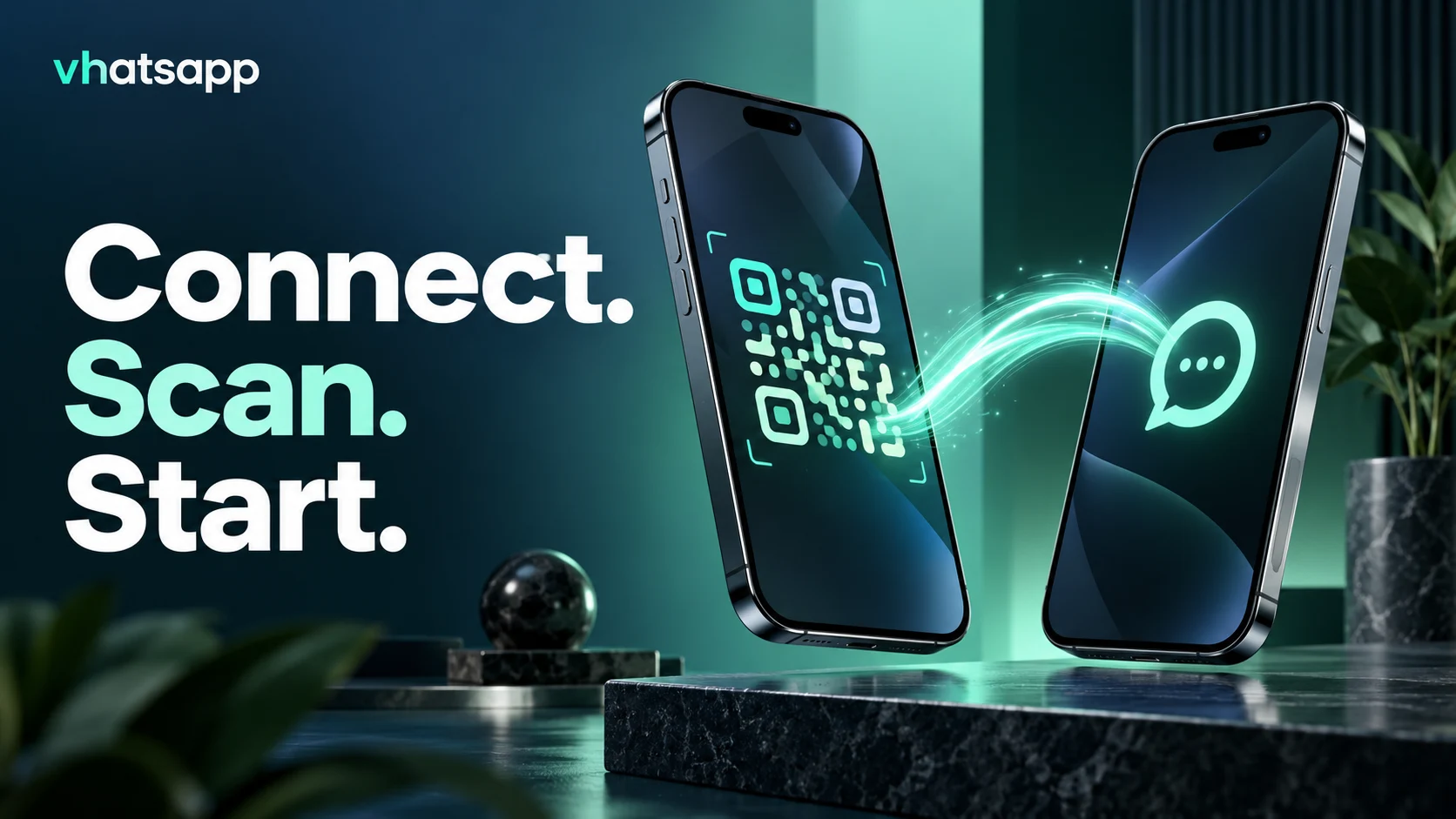
Open the connection screen in vhatsapp and use the intended WhatsApp account Linked Devices flow to scan the QR code. Double-check the business number before proceeding. Keep the QR screen private while connecting; it is part of establishing access to that account.
Review people and phones
When ownership changes, review linked devices from the phone and the workspace connections. Remove access no longer needed. Follow your business account recovery process if a device is lost, rather than sharing passwords or copying session files between people.
Investigate connection problems
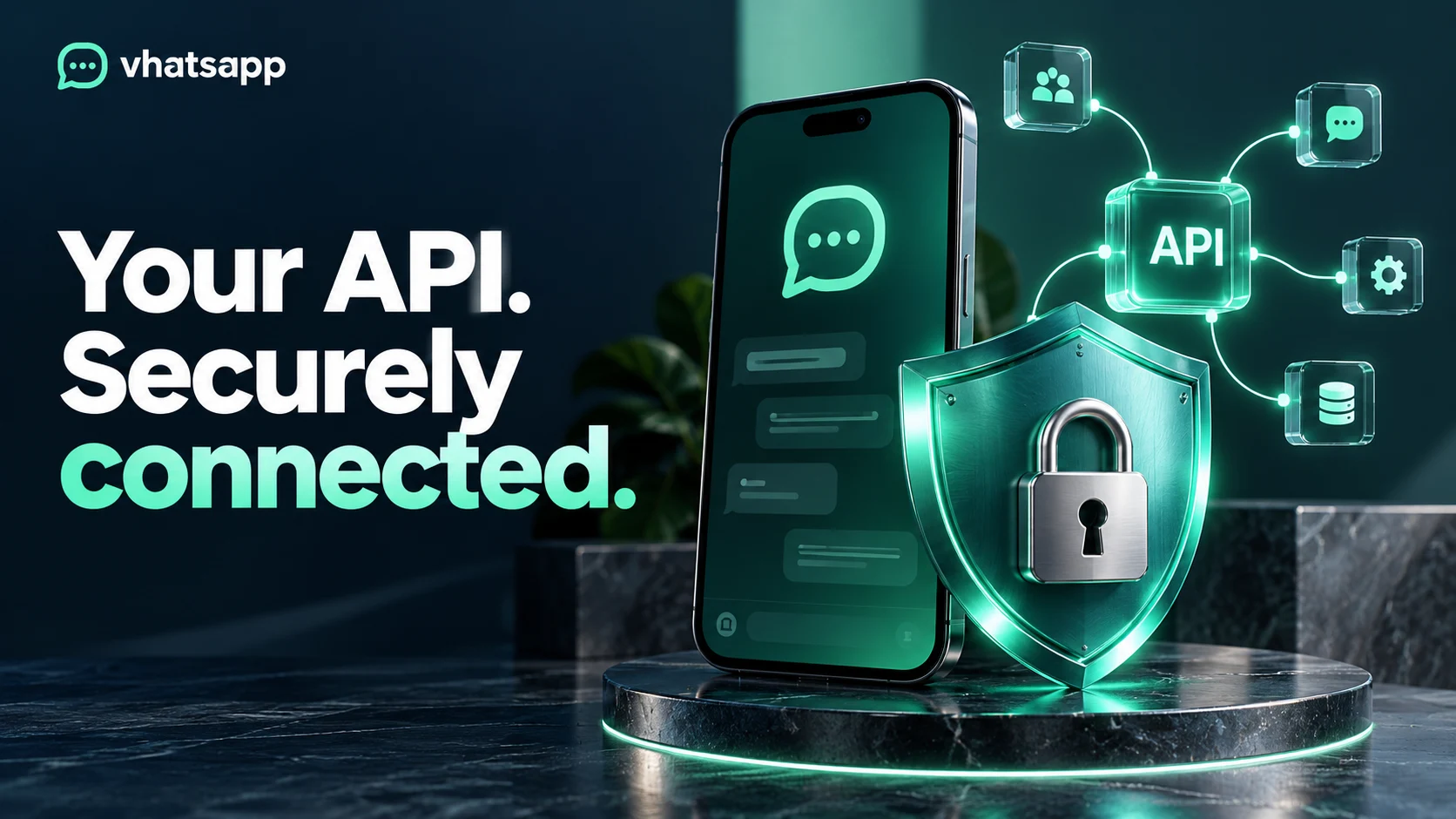
If a campaign stops progressing, check the selected connection and available status information before sending again. Record what was attempted and ask support when delivery is uncertain. QR connections and Business API configuration are separate paths; switching requires a deliberate setup review.
Explore vhatsapp plans or ask the team about your workflow.